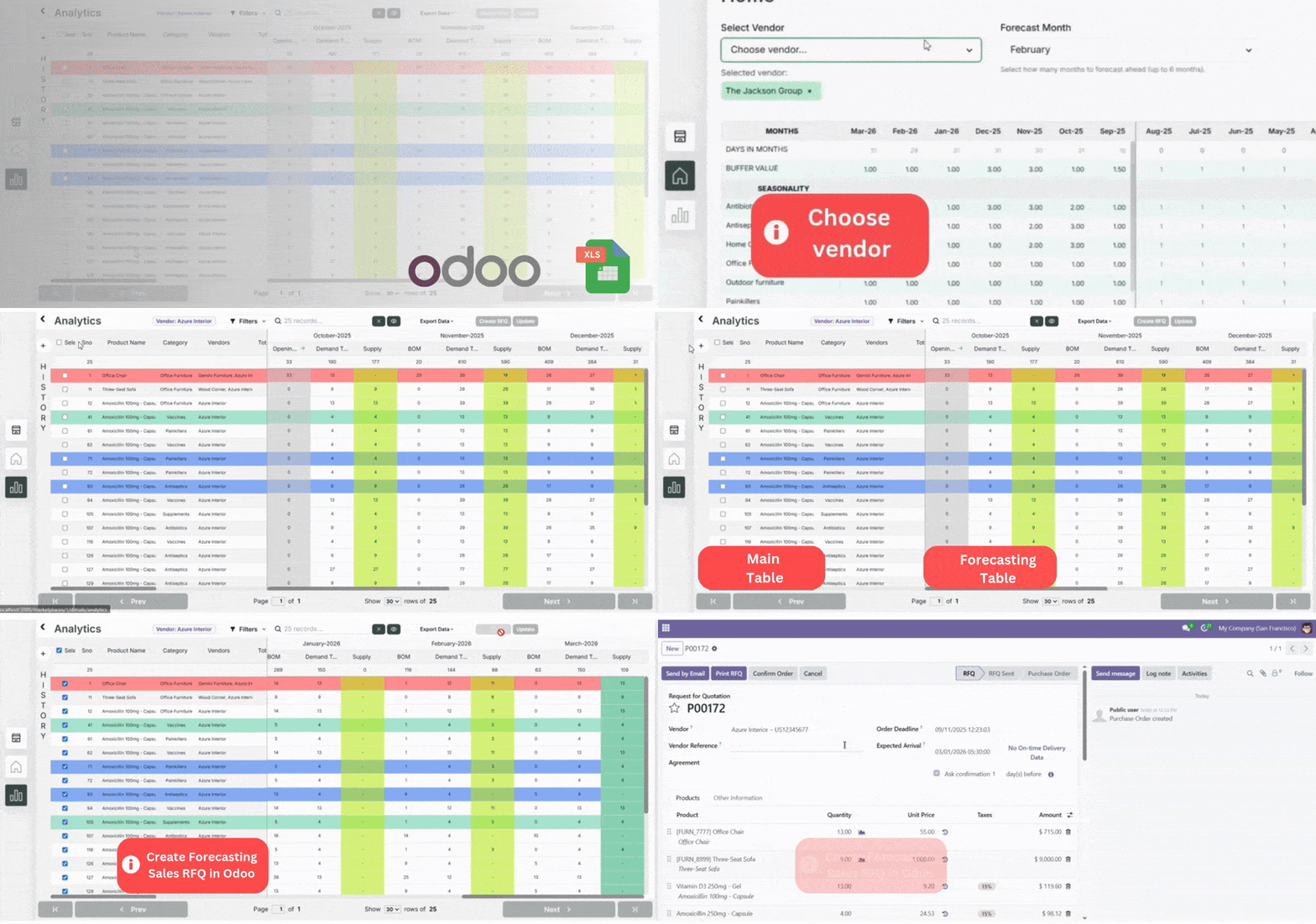
Odoo Inventory Forecasting - One Click RFQ Creation
Plan demand sales total for your future sales. Create Request For Quotation in a single click for vendors
12.0
13.0
14.0
15.0
16.0
17.0
18.0
19.0
LGPL-3
USD1500
12
One Time Installation
Odoo Expert help within 24 hrs
Excel Export & Filters
Read Detailed Guide
Secure Checkout



See It In Action
Watch how our inventory forecasting module transforms your workflow with intelligent automation
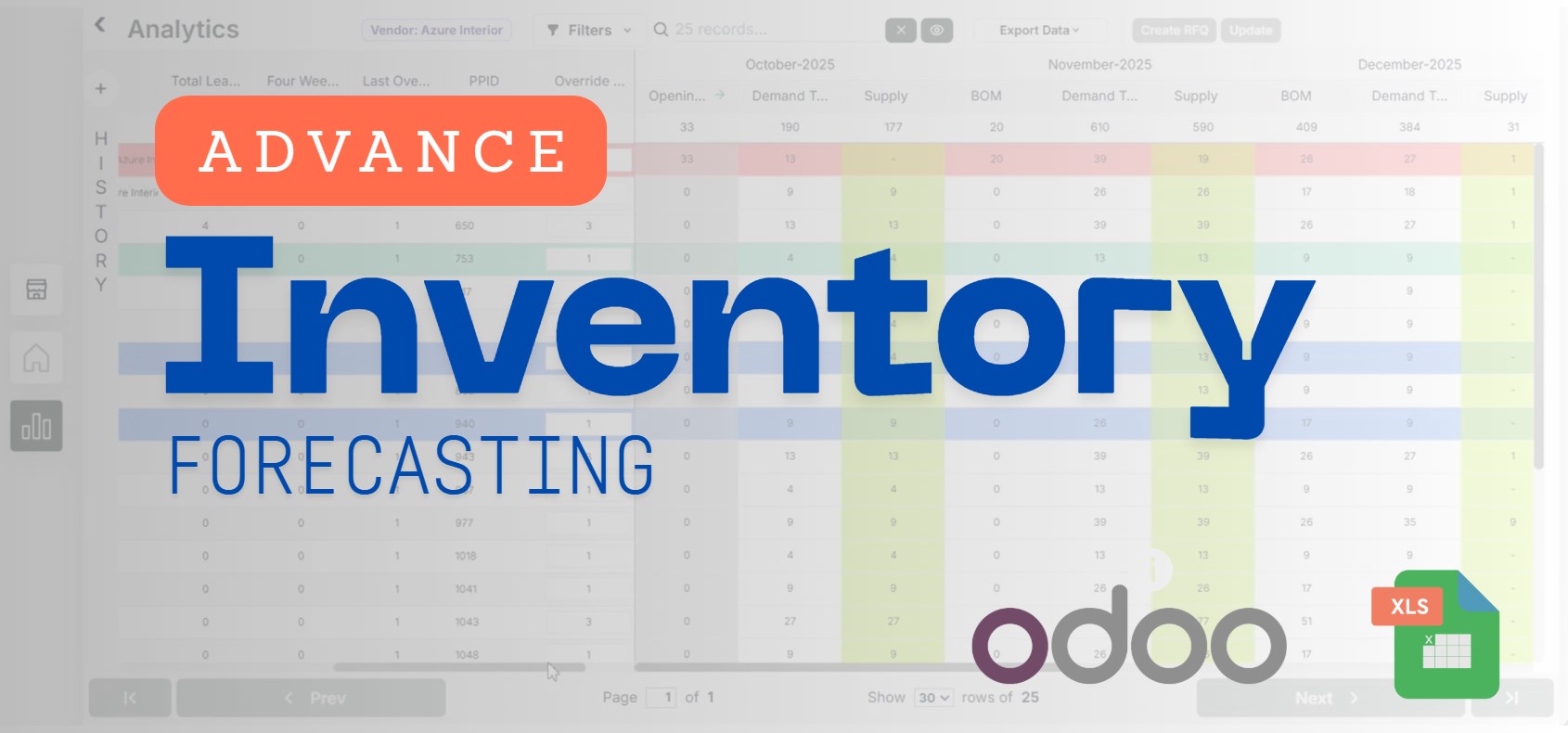

Single Click RFQ Creation
Watch how easily you can create RFQs for any vendor with just a single click
Product Features
- Seasonality controls (peaks/slumps)
- Live inventory updates and history sales data
- Control forecasting months for short/long term planning
- Buffer stock configuration
- Token-based secure connection
- One Click RFQ Creation
Seasonality Controls
Adjust peaks/slumps to mirror real demand cycles
Buffer Stock
Configure safety buffer to avoid stockouts
Select specific Vendors
Create a specific vendor based forecast for better analysis
Secure, token-based connection
Secure & safe token based connection
Override Runrate Settings
Set override runrate to align purchase planning with business needs
Create RFQ in an instant
Plan smarter with Odoo Inventory Management & Forecasting — choose marketplace, set forecasting months, adjust seasonality & buffer, and define lead times. Fine-tune with override run-rate and review the History, Inventory (main) & Forecast tables.
Screenshots
 — Inventory Forecasting
1. Choose Marketplace
Pick the marketplace you want to forecast on.
1. Choose Marketplace
Pick the marketplace you want to forecast on.
2. Change Vendor & Forecasting months
Switch to a vendor & select the forecasting window (e.g., for next 6 months).
2. Change Vendor & Forecasting months
Switch to a vendor & select the forecasting window (e.g., for next 6 months).
3. View History, Inventory (main) & Forecast Tables
Review History, Inventory (main), and Forecast tables. Tip: edit override run-rate to play around with the forecasting.
3. View History, Inventory (main) & Forecast Tables
Review History, Inventory (main), and Forecast tables. Tip: edit override run-rate to play around with the forecasting.
4. Create RFQ in an instant
Once satisfied with the forecast, select the products you want to create RFQ for from the forecast screen to streamline your procurement process.
4. Create RFQ in an instant
Once satisfied with the forecast, select the products you want to create RFQ for from the forecast screen to streamline your procurement process.
5. Exciting Features
Edit Override Run-Rate, Customize Row Colors, Drag & Drop Columns, Advanced Search etc
5. Exciting Features
Edit Override Run-Rate, Customize Row Colors, Drag & Drop Columns, Advanced Search etc
6. Export Excel Report
Export your forecast data to Excel for further analysis and reporting.
6. Export Excel Report
Export your forecast data to Excel for further analysis and reporting.
1. Choose Marketplace
Pick the marketplace you want to forecast on.
2. Change Vendor & Forecasting months
Switch to a vendor & select the forecasting window (e.g., for next 6 months).
3. View History, Inventory (main) & Forecast Tables
Review History, Inventory (main), and Forecast tables. Tip: edit override run-rate to play around with the forecasting.
4. Create RFQ in an instant
Once satisfied with the forecast, select the products you want to create RFQ for from the forecast screen to streamline your procurement process.
5. Exciting Features
Edit Override Run-Rate, Customize Row Colors, Drag & Drop Columns, Advanced Search etc
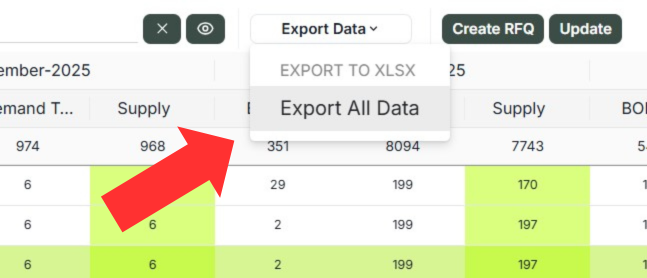
6. Export Excel Report
Export your forecast data to Excel for further analysis and reporting.
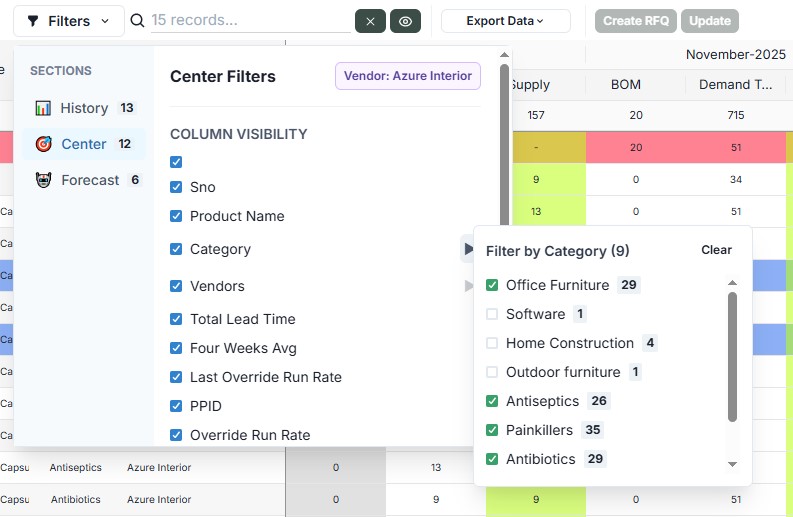
Advanced Filters
Quickly locate specific products using advanced filtering options by category, vendor, and more.
- View/Hide History, Center, Forecast table columns
- Filter inventory by categories or vendors
- Search any specific product using global search option.
Reviews
Trusted by teams using Odoo → Your reviews are important to us. We regularly update our modules based on user feedback.
Helped my team to avoid the stockouts before hand
good module for RFQ creation
Forecasting works well and RFQ creation is a time saver
Cleaner demand view
Other Suggestions
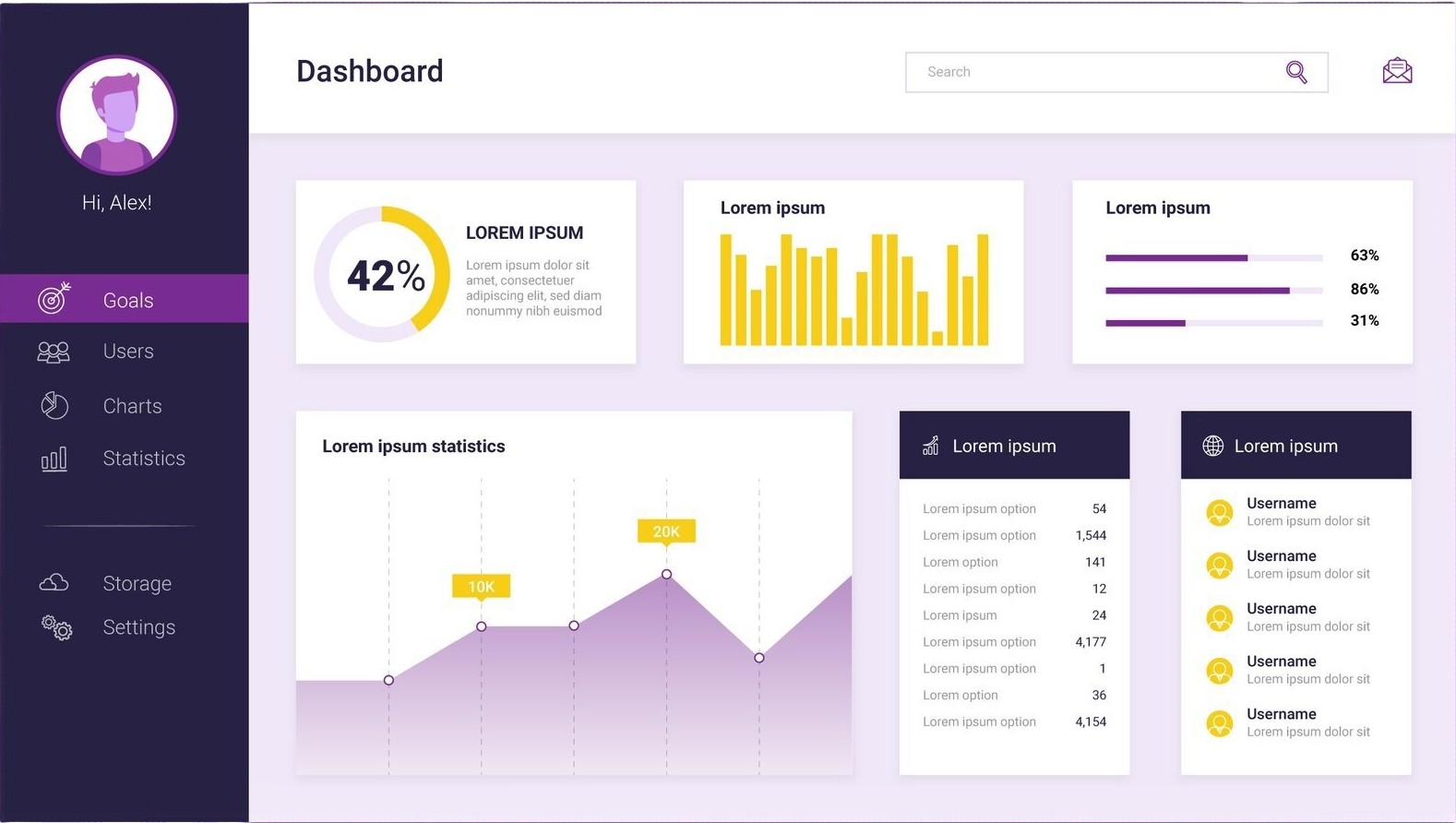
Create Custom Dashboards
Unlock the power of data with personalized dashboards. We create customized Power BI dashboards that cater to your specific business needs, helping you track performance, visualize key metrics, and make data-driven decisions with ease.
Tailored for Your Needs
- Interactive charts and graphs
- Real-time data updates
- Fully customizable to your KPIs
- Accessible on any device
FAQ's
Experience Odoo to Looker data connection
🔹 Navigate to the data sources in Looker Studio "https://lookerstudio.google.com/datasources". Search and select the 'Odoo Connector by TechFinna'.
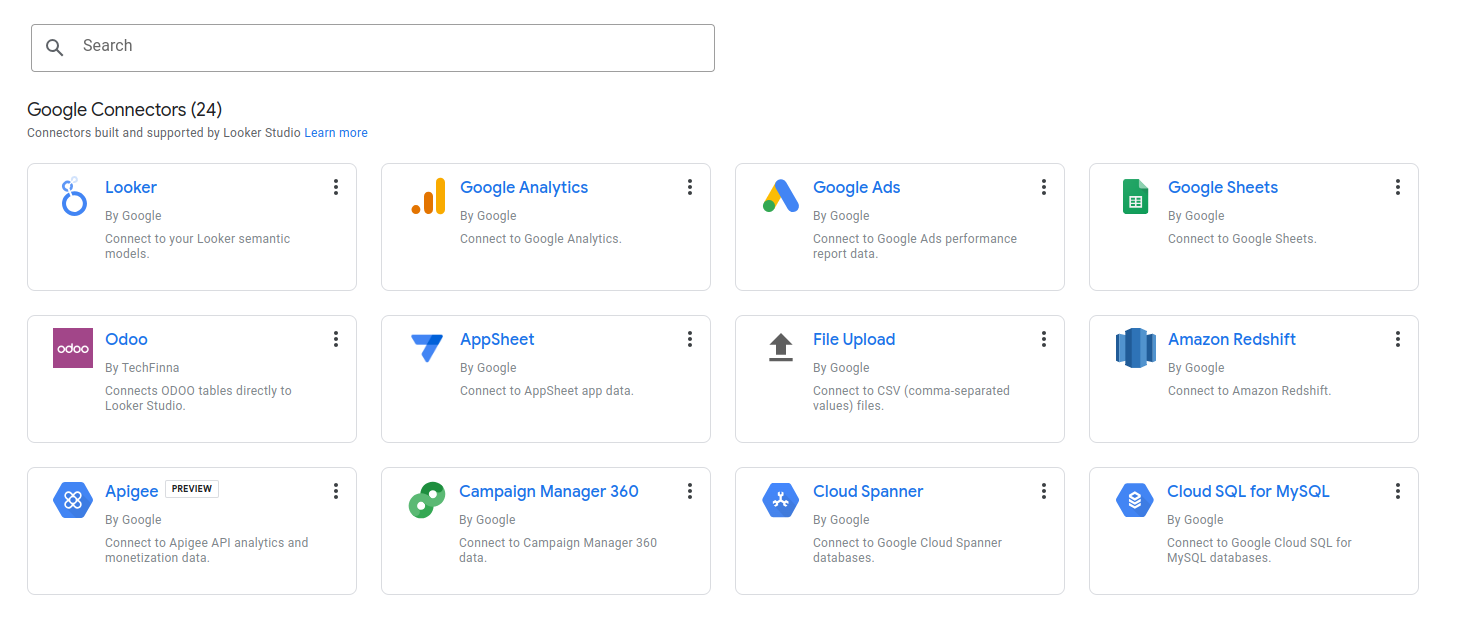
🔹 Paste connector url and access token.
Connector url
http://demo.techfinna.com
Access token
_650b9d8270b3b3cbe47ee480e9b1b078c877736d
🔹 You are all set.